PHIGHTING! Returning Player Guide
Return to PHIGHTING! with a safe process for checking controls, roster changes, map knowledge, objectives, and current patch sources.
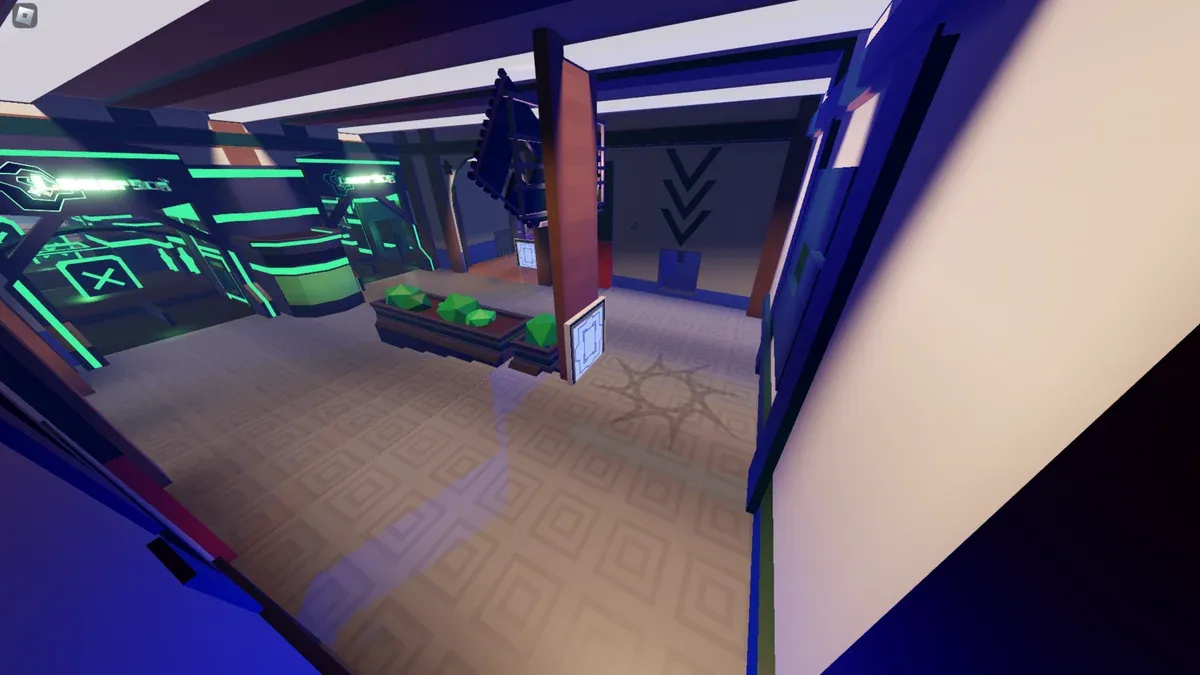
What should a returning player check first?
Start with the live game: controls, ability descriptions, roster, and objective rules. PHIGHTING! is still actively changing, so remembered cooldowns, routes, or availability information may no longer match the current build.
What is the safest first-session plan?
Beta changed several ability labels; compare the new and old names before discarding an otherwise useful tutorial. Use Training to rehearse the current kit, then check server access and choose a Mastery route for the character you want to progress.
- Choose a previously familiar character.
- Read every current ability tooltip.
- Spend one match observing maps and modes.
- Add only one unfamiliar character or system at a time.
Review the latest-update page, scan returning-player changes, and revisit the beginner guide for regrouping and objective habits. Official announcements and the live Roblox experience remain the authority for current changes.
Related Articles
guides
PHIGHTING! Beta Ability Names — Old and New Name Reference
Translate old PHIGHTING! ability names into Beta terminology for Ban Hammer, Shuriken, Skateboard and more without mistaking a rename for a balance change.
guides
CMF Enemies Guide — Zombie Waves and Target Priority
Identify PHIGHTING! CMF zombies, their documented first waves and dangerous behaviors, then choose targets without leaving the Noisemaker exposed.
guides
PHIGHTING! Mastery Leveling — Choose a Reliable XP Route
Plan PHIGHTING! Mastery progress around your chosen character, PvP or CMF access, reward milestones and completed sessions without invented XP rates.
Was this helpful?
Thanks for the feedback!