PHIGHTING! Status Effects Explained
Learn how PHIGHTING! status effects modify movement, damage, protection, control, and decisions, with recognition cues and live-build verification guidance.
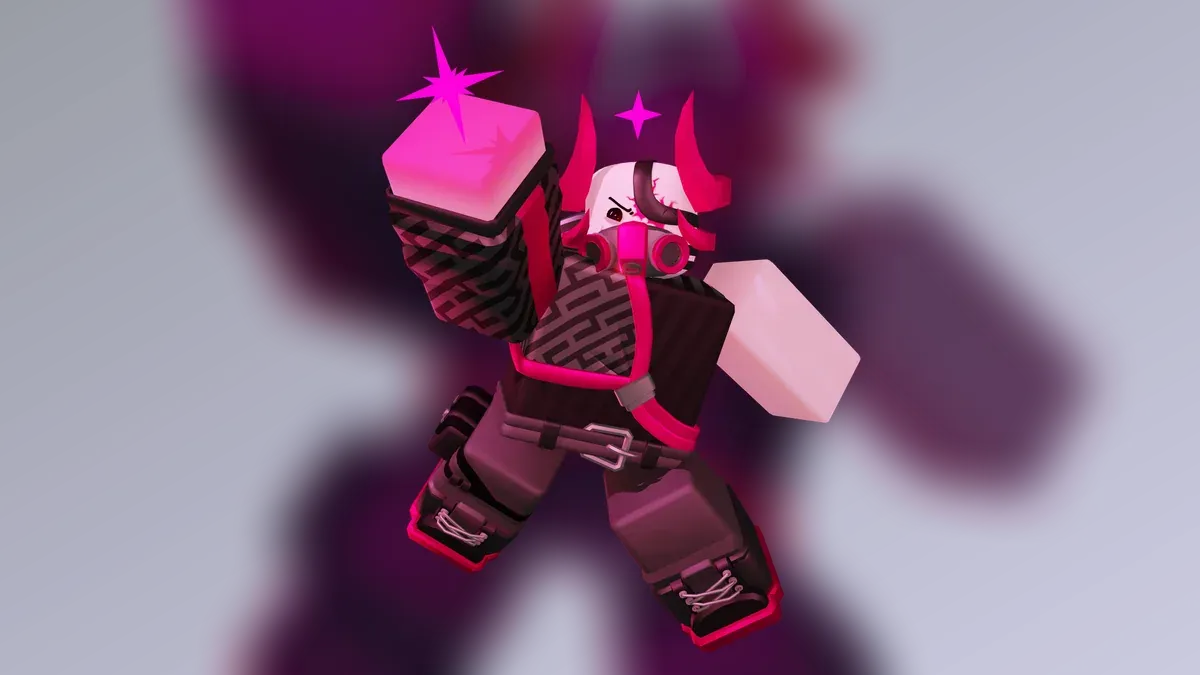
What does this mechanic mean?
Status effects temporarily modify what a character can do or how incoming actions affect them. Read the current on-screen indicator before assuming an old duration or interaction.
How should you apply it in a match?
Observe the interface cue, identify what decision it changes, and communicate the consequence to teammates when relevant. Practice the mechanic in relation to an objective rather than as an isolated rule.
| Check | Question |
|---|---|
| Recognition | What visual or audio cue confirms it? |
| Timing | When does it change the next decision? |
| Team effect | Who needs to react with you? |
| Verification | Does the current live description match memory? |
Positive, negative, and movement effects
Group an effect by the decision it changes rather than memorizing every historical number. Positive effects can protect or enable a teammate; negative effects can restrict movement, healing, or action timing; force effects such as knockback, pull, push, and fling change position. A single ability can combine damage with more than one category.
What should you do when an effect appears?
- Identify whether the effect threatens survival, movement, or damage output.
- Move toward cover or teammates before spending every escape tool.
- Avoid stacking another commitment while control is limited.
- Recheck the current ability description after balance changes.
Read the beginner guide, connect this topic to Health And Shields, and apply it on the map guides or in Crossroads Must Fall. Exact values remain tied to the live build and dated sources. Reviewed 2026-10-05.
Related Articles
guides
CMF Enemies Guide — Zombie Waves and Target Priority
Identify PHIGHTING! CMF zombies, their documented first waves and dangerous behaviors, then choose targets without leaving the Noisemaker exposed.
guides
CMF Unchained Guide — Endless Waves, Teams and Boss Cycles
Prepare PHIGHTING! CMF Unchained runs with the full roster, repeated Venomshank encounters, post-boss restocks and a sustainable team defense plan.
guides
PHIGHTING! Private Server Commands and Practice Setup
Set up PHIGHTING! private practice, assign teams, force maps and use documented owner commands while understanding permissions and reward limits.
Was this helpful?
Thanks for the feedback!